GSAP Hover Effects: 5 Patterns Worth Knowing (2026)
Learn how to build GSAP hover effects that feel polished. Covers play/reverse pattern, magnetic effects, quickTo for mouse tracking, and React implementation.
Estimated reading time: 9 minutes | Skill level: Intermediate
CSS hover transitions are fine for simple color and scale changes. But once you want the hover-out to feel different from hover-in, or you want an element to follow the mouse, or you need character-level text effects on hover, CSS falls short fast.
GSAP handles all of this with a small set of patterns. Here are the five I reach for most.
Pattern 1: The play/reverse Timeline
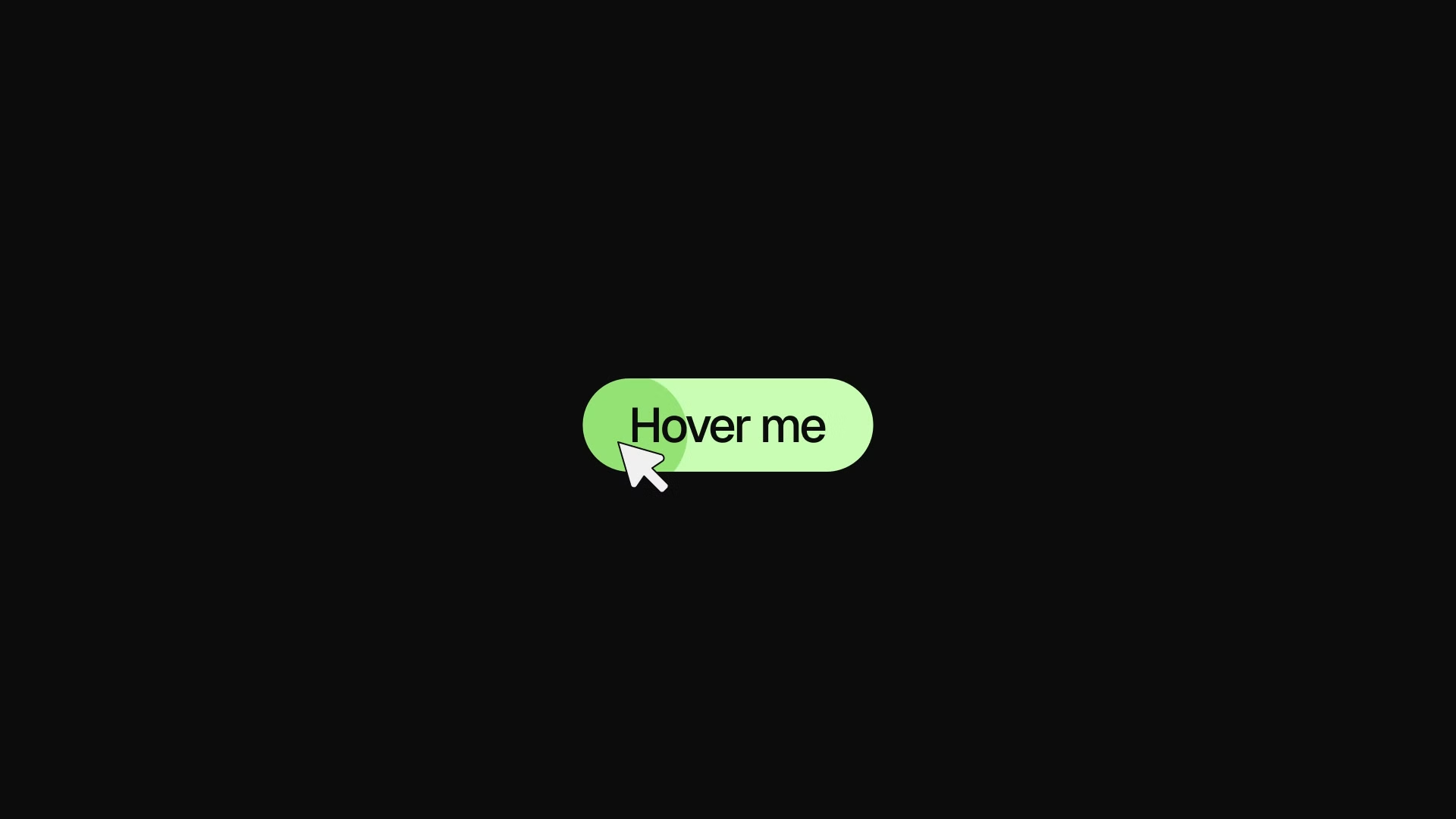
The most important GSAP hover pattern. Create a paused timeline, play it on hover in, reverse it on hover out.
const button = document.querySelector(".button");
const tl = gsap.timeline({ paused: true });

tl.to(".button-bg", { scaleX: 1, duration: 0.5, ease: "expo.out" })
  .to(".button-label", { color: "#0a0a0a", duration: 0.2 }, "<");

button.addEventListener("mouseenter", () => tl.play());
button.addEventListener("mouseleave", () => tl.reverse());
tl.reverse()This is cleaner than managing two animations or toggling CSS classes.
In React
const buttonRef = useRef(null);
const tl = useRef(null);

useGSAP(() => {
  tl.current = gsap.timeline({ paused: true });
  tl.current
    .to(buttonRef.current.querySelector(".bg"), { scaleX: 1, duration: 0.5, ease: "expo.out" })
    .to(buttonRef.current.querySelector(".label"), { color: "#0a0a0a", duration: 0.2 }, "<");
}, { scope: buttonRef });

return (
  <button
    ref={buttonRef}
    onMouseEnter={() => tl.current.play()}
    onMouseLeave={() => tl.current.reverse()}
  >
    <span className="bg" />
    <span className="label">Click me</span>
  </button>
);
useRefVisual: PLACEHOLDER - Button with background wipe hover animation showing play/reverse in action
Pattern 2: quickTo for Mouse Following
gsap.quickTo()const follower = document.querySelector(".cursor-dot");
const xTo = gsap.quickTo(follower, "x", { duration: 0.4, ease: "power3.out" });
const yTo = gsap.quickTo(follower, "y", { duration: 0.4, ease: "power3.out" });
document.addEventListener("mousemove", (e) => {
xTo(e.clientX);
yTo(e.clientY);
});
The duration here is the "inertia" — how long the follower takes to catch up to the cursor. Lower numbers feel snappier. 0.3 to 0.6 is the typical range.
This same pattern works for any element that tracks mouse position: custom cursors, hover highlights, magnetic elements.
Visual: PLACEHOLDER - Custom cursor dot following mouse with smooth GSAP quickTo easing
Pattern 3: Magnetic Button
A magnetic button pulls toward the cursor when it gets close. It's a high-craft hover effect that reads as premium.
The trick: calculate the cursor distance from the button center and move the button slightly in that direction.
const buttons = document.querySelectorAll(".magnetic-btn");

buttons.forEach((btn) => {
  const xTo = gsap.quickTo(btn, "x", { duration: 0.5, ease: "power3.out" });
  const yTo = gsap.quickTo(btn, "y", { duration: 0.5, ease: "power3.out" });

  btn.addEventListener("mousemove", (e) => {
    const rect = btn.getBoundingClientRect();
    const centerX = rect.left + rect.width / 2;
    const centerY = rect.top + rect.height / 2;

    // Pull toward cursor, scaled down
    const deltaX = (e.clientX - centerX) * 0.3;
    const deltaY = (e.clientY - centerY) * 0.3;

    xTo(deltaX);
    yTo(deltaY);
  });

  btn.addEventListener("mouseleave", () => {
    // Snap back to original position
    xTo(0);
    yTo(0);
  });
});
* 0.30Visual: PLACEHOLDER - Magnetic button demo showing cursor pulling button toward mouse position
Pattern 4: Card Tilt
Mouse-tracked tilt on cards gives a 3D parallax feel. SamequickToconst card = document.querySelector(".card");
const xRotTo = gsap.quickTo(card, "rotationY", { duration: 0.6, ease: "power3.out" });
const yRotTo = gsap.quickTo(card, "rotationX", { duration: 0.6, ease: "power3.out" });
card.addEventListener("mousemove", (e) => {
const rect = card.getBoundingClientRect();
const x = (e.clientX - rect.left) / rect.width; // 0 to 1
const y = (e.clientY - rect.top) / rect.height; // 0 to 1
// Map 0-1 to -10 to 10 degrees
const rotY = (x - 0.5) * 20;
const rotX = (y - 0.5) * -20;
xRotTo(rotY);
yRotTo(rotX);
});
card.addEventListener("mouseleave", () => {
xRotTo(0);
yRotTo(0);
});
perspective.card-wrapper {
perspective: 800px;
}
Without perspective, the rotation exists but doesn't look 3D.
The* 20Visual: PLACEHOLDER - Card tilt effect showing 3D rotation following mouse cursor position
Pattern 5: Staggered Text on Hover
Text that staggers on hover looks distinctly different from CSS transitions. You can animate individual characters or words.
import { SplitText } from "gsap/SplitText";

gsap.registerPlugin(SplitText);

const link = document.querySelector(".nav-link");
const split = new SplitText(link, { type: "chars" });

const tl = gsap.timeline({ paused: true });

tl.to(split.chars, {
  y: -100,
  opacity: 0,
  duration: 0.3,
  ease: "power2.in",
  stagger: 0.02
}, 0);

// Clone the text for the "hover-in" version
tl.from(split.chars, {
  y: 100,
  opacity: 0,
  duration: 0.3,
  ease: "power2.out",
  stagger: 0.02
}, 0.05);

link.addEventListener("mouseenter", () => tl.play());
link.addEventListener("mouseleave", () => tl.reverse());
00.05SplitText is a GSAP premium plugin, available free with a standard GSAP license.
Handling Multiple Hover Animations
When a user quickly moves in and out, animations can stack or conflict. GSAP handles this correctly when you useplay()reverse()// This is safe for rapid hover in/out
button.addEventListener("mouseenter", () => tl.play());
button.addEventListener("mouseleave", () => tl.reverse());
tl.progress()button.addEventListener("mouseleave", () => {
// Reverse from current position, don't jump to end first
tl.reverse();
});
tl.reverse()Performance Tips
For hover animations that run frequently:
- Animate ,
x,y,scale,rotationonly. These are compositor properties.opacity - Use for
gsap.quickTo()handlers. Creating new tweens on every mouse event kills performance.mousemove - For card tilt and magnetic effects on many elements, consider adding to elements that are actively animating.
will-change: transform
Common Mistakes
Creating a new tween on every mousemove event. UsequickTomouseleaveLarge rotation values on tilt effects. More than 25 degrees looks broken on most designs. Keep it subtle.
Animating many text characters with complex easing on every hover. SplitText with 20+ characters andelastic.outpower2power3Key Takeaways
- Create a paused timeline and use /
play()for hover in/out. One animation, both directions.reverse() - Use for any property that updates on
gsap.quickTo(). It's dramatically more efficient than new tweens.mousemove - Magnetic effects work by calculating cursor offset from element center and scaling it down.
- Card tilt uses /
rotationXwith a parentrotationYCSS value.perspective - SplitText enables character-level text reveals on hover.
Take It Further
The magnetic button pattern is one of the most-requested animations. The Annnimate library has a fully implemented magnetic button with configurable strength and direction, ready to drop into any project.
For the cursor follower pattern at full build quality, browse the cursor animations in Annnimate. And if you want to understand how timelines power these patterns, the GSAP Timeline Tutorial covers the play/reverse pattern in detail.
Written by

Julian Fella
Founder
Related reading
GSAP Page Transitions in Next.js: A Practical Guide (2026)
Learn how to build smooth GSAP page transitions in Next.js App Router. Covers overlay animations, exit animations, useGSAP cleanup, and common pitfalls.
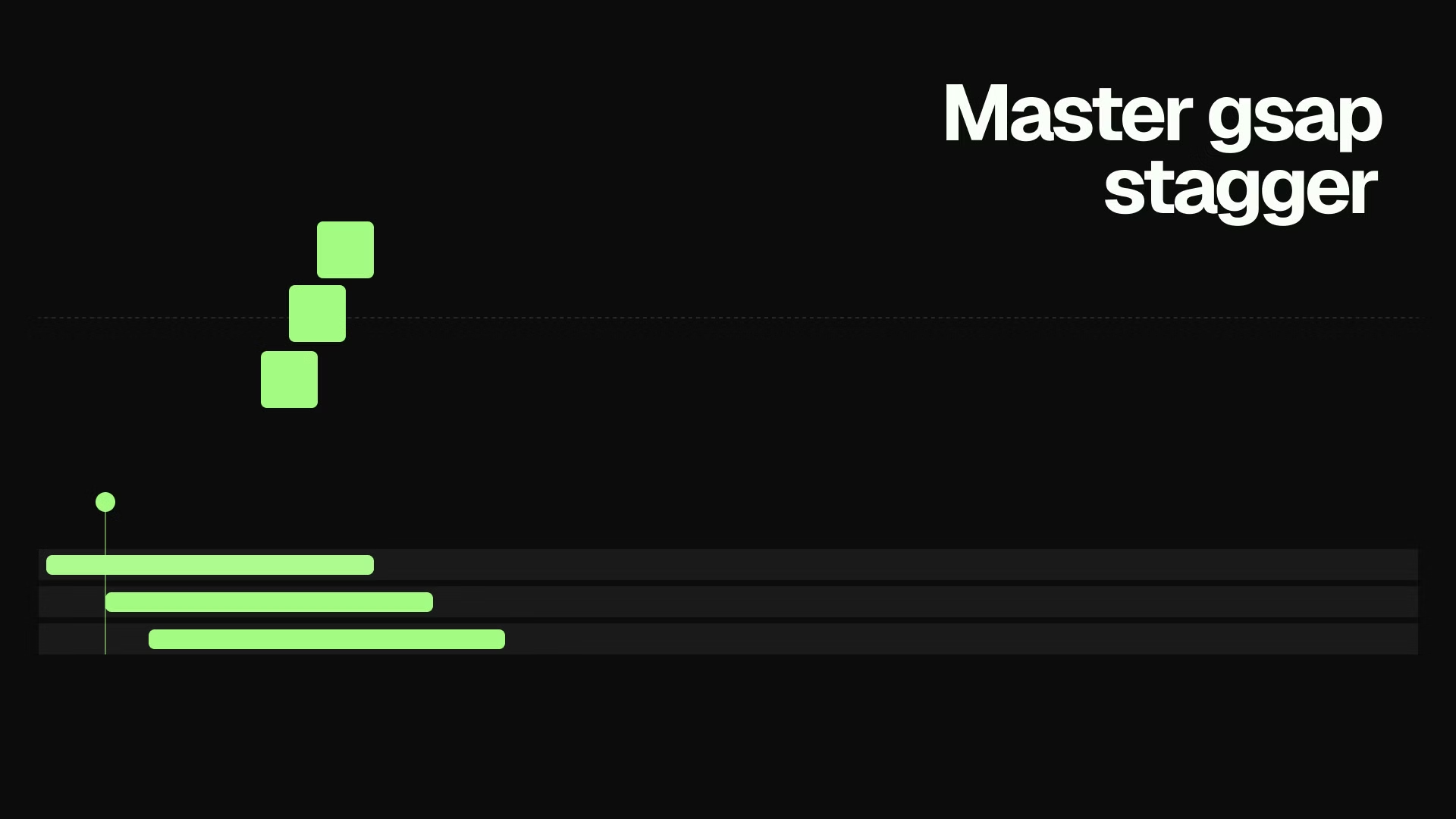
GSAP Stagger: Animate Lists and Grids with Rhythm (2026)
Learn how to use GSAP stagger to animate multiple elements with perfect timing. Covers basic stagger, advanced object syntax, from options, and real-world grid reveals.
GSAP in React: How to Use the useGSAP Hook (2026)
Learn how to use GSAP in React with the useGSAP hook. Covers setup, refs, scoping, contextSafe callbacks, ScrollTrigger cleanup, and Next.js SSR patterns.