CSS Animations vs GSAP: When to Use Each (2026)
CSS animations vs GSAP compared honestly. Performance, control, complexity, and clear use-case recommendations for developers choosing between the two.
Estimated reading time: 10 minutes | Skill level: Beginner to Intermediate
The question comes up constantly: should I use CSS animations or GSAP? Some developers swear by CSS. Others won't touch a project without GSAP. Most don't know exactly where the line is.
I've used both extensively. Here's the honest answer: CSS animations are the right tool for simple state transitions. GSAP is the right tool for everything else.
Let me break down exactly what "everything else" means.
What CSS Animations Do Well
CSS animations and transitions are built into the browser. No dependency, no JavaScript. For straightforward transitions, they're fast, readable, and require almost no code.
CSS transitions are ideal for hover and focus states:
.button {
  transform: scale(1);
  opacity: 1;
  transition: transform 0.2s ease-out, opacity 0.2s ease-out;
}

.button:hover {
  transform: scale(1.04);
}
CSS animations work well for looping or self-contained effects that don't depend on user input:
@keyframes pulse {
  0%, 100% { opacity: 1; }
  50% { opacity: 0.5; }
}

.badge {
  animation: pulse 2s ease-in-out infinite;
}
For these cases, CSS is the right choice. It's declarative, requires no JavaScript, and the browser handles everything.
Where CSS Animations Fall Short
1. No Runtime Control
Once a CSS animation is running, you can't pause it, seek to a specific frame, or reverse it with precision. You can toggle a class, but that's about it.
GSAP gives you full playback control:
const tl = gsap.timeline();
tl.from(".hero", { y: 40, opacity: 0, duration: 0.8 });

// Later, anywhere in your code:
tl.pause();
tl.reverse();
tl.progress(0.5);  // jump to 50%
This matters the moment your animations need to respond to user state. Scroll position, modal open/close, multi-step flows.
2. Sequencing Is Painful
Chaining CSS animations requires careful use ofanimation-delay/* Fragile: every delay is hardcoded */
.item-1 { animation-delay: 0s; }
.item-2 { animation-delay: 0.3s; }
.item-3 { animation-delay: 0.6s; }
.item-4 { animation-delay: 0.9s; }
GSAP's timeline was built exactly for this:
const tl = gsap.timeline({ defaults: { ease: "power3.out", duration: 0.5 } });

tl.from(".item-1", { y: 20, opacity: 0 })
  .from(".item-2", { y: 20, opacity: 0 }, "-=0.2")
  .from(".item-3", { y: 20, opacity: 0 }, "-=0.2")
  .from(".item-4", { y: 20, opacity: 0 }, "-=0.2");
Change the first animation's duration and everything else adjusts automatically.
3. No Scroll Integration
CSS animations can be triggered on scroll with Intersection Observer. But scroll-linked animation, where the animation position is tied directly to how far you've scrolled, requires JavaScript.
GSAP's ScrollTrigger handles this:
gsap.to(".image", {
  y: -60,
  ease: "none",
  scrollTrigger: {
    trigger: ".section",
    start: "top bottom",
    end: "bottom top",
    scrub: true  // animation tied 1:1 to scroll position
  }
});
scrub: true4. Limited Easing Options
CSS has a small set of built-in easing functions:easeease-inease-outease-in-outlinearcubic-bezier()GSAP has:
ease: "power3.out"         // smooth deceleration
ease: "back.out(1.7)"      // slight overshoot
ease: "elastic.out(1, 0.3)" // spring bounce
ease: "expo.out"           // very fast start, slow finish
CustomEaseconst myEase = CustomEase.create("hop", "M0,0 C0,0 0.056,0.442 0.175,0.442 0.294,0.442 0.332,0 0.332,0 0.332,0 0.414,1 0.671,1 0.991,1 1,0 1,0");
gsap.to(".box", { y: -40, ease: myEase, duration: 0.8 });
The difference is visible. Well-chosen easing is what separates animations that feel professional from ones that feel generic.
5. SVG and Canvas Animation
CSS animations work reasonably well for simple SVG transitions. But SVG path morphing, DrawSVG (drawing lines as if being written), and canvas animation require JavaScript.
GSAP's MorphSVG and DrawSVG plugins handle these natively:
// Animate SVG stroke drawing
gsap.from(".path", {
  drawSVG: "0%",
  duration: 1.5,
  ease: "power2.out"
});
No CSS equivalent exists for this.
Feature Comparison
| CSS Animations | GSAP | |
|---|---|---|
| Setup | None (built in) | npm install gsap |
| Sequencing | Manual delays (fragile) | Timeline with position parameter |
| Playback control | Toggle class only | play, pause, reverse, seek, progress |
| Scroll integration | Trigger only (Intersection Observer) | ScrollTrigger (scrub, pin, parallax) |
| Easing options | 5 built-in + cubic-bezier | 20+ built-in + CustomEase |
| SVG animation | Basic transforms | Full path morphing, DrawSVG |
| Text animation | None | SplitText (chars, words, lines) |
| Performance | GPU-composited for transforms | Same GPU path, same performance |
| Runtime control | None | Full API |
| Stagger | Manual delays | Native stagger with advanced options |
| React/Vue support | Native | useGSAP hook, framework-aware cleanup |
Performance: Is CSS Faster?
There's a common belief that CSS animations are faster than JavaScript animations because they "run off the main thread." This is mostly a myth in 2026.
Both CSS and GSAP animate on the compositor thread when you animatetransformopacityThe performance difference you might notice comes down to two things:
-
What property you animate. Animating ,
width,height, ortoptriggers layout and is slow in both CSS and GSAP. Animatingleftandtransformis fast in both. The property matters more than the tool.opacity -
How many elements you're animating. For 500 elements with stagger, GSAP's batching and internal optimizations can actually outperform equivalent CSS approaches.
animation-delay
transformopacity// Fast (compositor) — both CSS and GSAP
gsap.to(".box", { x: 100, opacity: 0.5 });
// Slow (triggers layout) — both CSS and GSAP
gsap.to(".box", { left: 100, width: 200 });
When to Use CSS Animations
- Hover and focus state transitions (buttons, links, cards)
- Simple looping effects (spinners, pulses, breathing animations)
- Loading indicators
- Simple entrance animations triggered once (no sequencing, no control needed)
- Microinteractions with no JavaScript logic
/* Perfect use of CSS transitions */
.nav-link {
  color: var(--color-muted);
  transition: color 200ms ease-out;
}

.nav-link:hover {
  color: var(--color-foreground);
}
This is exactly what CSS is for. Fast, declarative, no JavaScript overhead.
When to Use GSAP
- Sequenced or choreographed animations with multiple steps
- Scroll-linked animations (parallax, reveal, scrub)
- Animations that need to be controlled: paused, reversed, or seeked
- SVG animations: path drawing, morphing
- Text animations: character reveals, word staggers, line masks
- Complex easing: spring, elastic, custom curves
- Interactive animations tied to user input (mouse position, scroll velocity)
- Anything that needs to work across React, Vue, or vanilla JS consistently
The "Migration" Question
A question I hear often: "I started with CSS animations, can I just add GSAP for the complex stuff?"
Yes. They coexist fine. Use CSS for hover transitions. Use GSAP for page-level sequences, scroll animations, and anything interactive. The two don't conflict.
/* CSS handles hover */
.card {
  transition: transform 300ms ease-out;
}

.card:hover {
  transform: translateY(-4px);
}
// GSAP handles the entrance sequence
const tl = gsap.timeline({ scrollTrigger: { trigger: ".card-grid", start: "top 80%" } });
tl.from(".card", { y: 30, opacity: 0, duration: 0.6, stagger: 0.1 });
Both work together on the same elements without issue.
My Verdict
CSS animations for transitions. GSAP for everything else.
If your animation needs any of these, reach for GSAP: timeline sequencing, scroll integration, playback control, complex easing, SVG drawing, text reveals, or React-aware cleanup. That covers most of the interesting animation work.
If it's a hover state or a looping indicator, CSS is cleaner.
The line isn't "CSS = simple, GSAP = complex." It's "CSS = state transitions, GSAP = orchestrated sequences and interaction."
For real-world examples built with GSAP, browse the Annnimate animation library. Every animation includes the full code. If you want to understand how scroll-linked patterns work specifically, GSAP ScrollTrigger Examples covers 10 production patterns. And if you're building sequences, GSAP Timeline Tutorial is the next read.
Written by

Julian Fella
Founder
Related reading
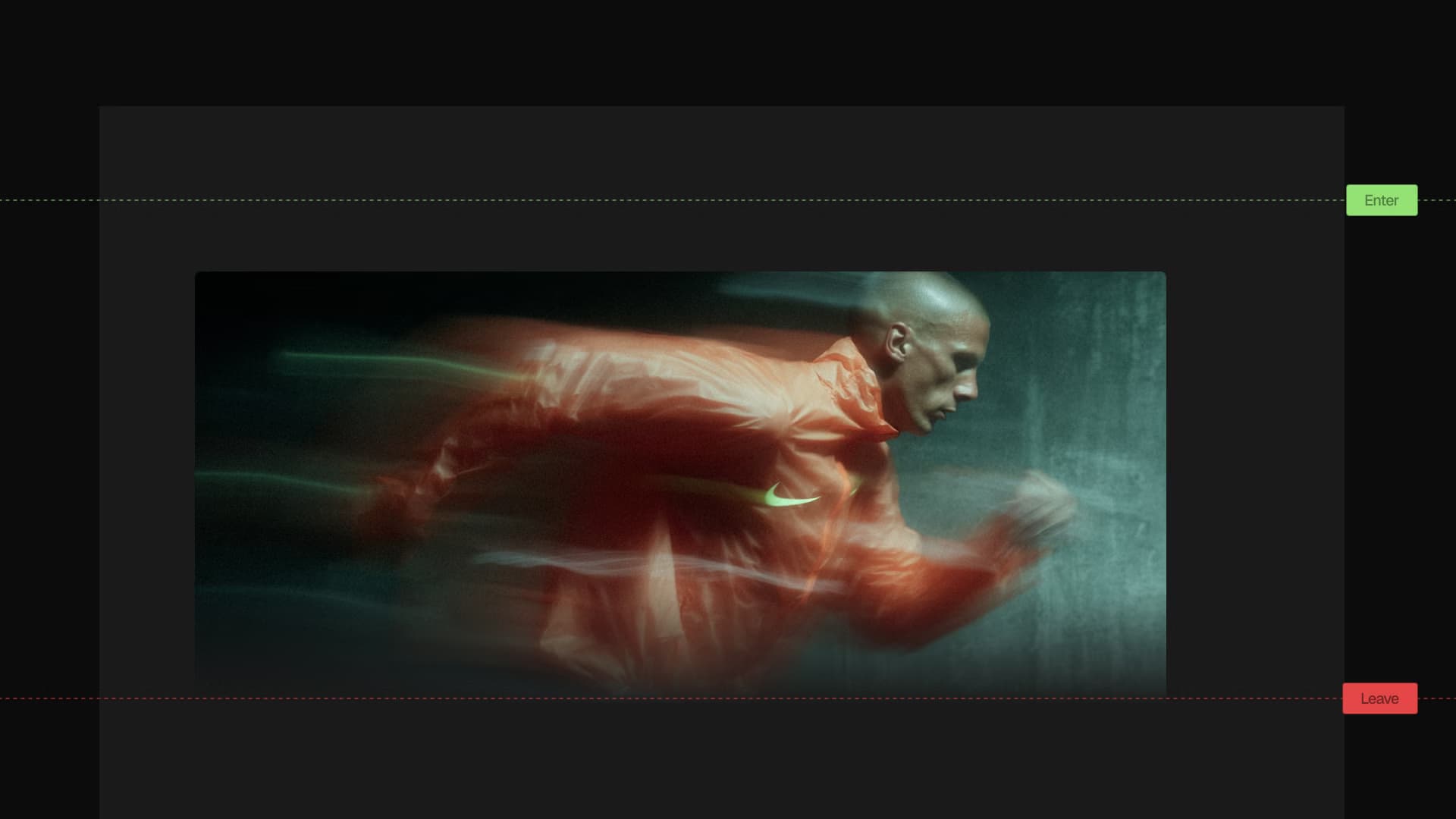
Intersection Observer vs GSAP ScrollTrigger: Which Should You Use?
Comparing Intersection Observer and GSAP ScrollTrigger for scroll animations. Performance, control, scrub, batch, and when each approach makes sense.
GSAP vs Framer Motion vs React Spring: Which Should You Use in 2026?
Comparing GSAP, Framer Motion, and React Spring for React animation. Bundle sizes, performance data, code examples, and honest recommendations.
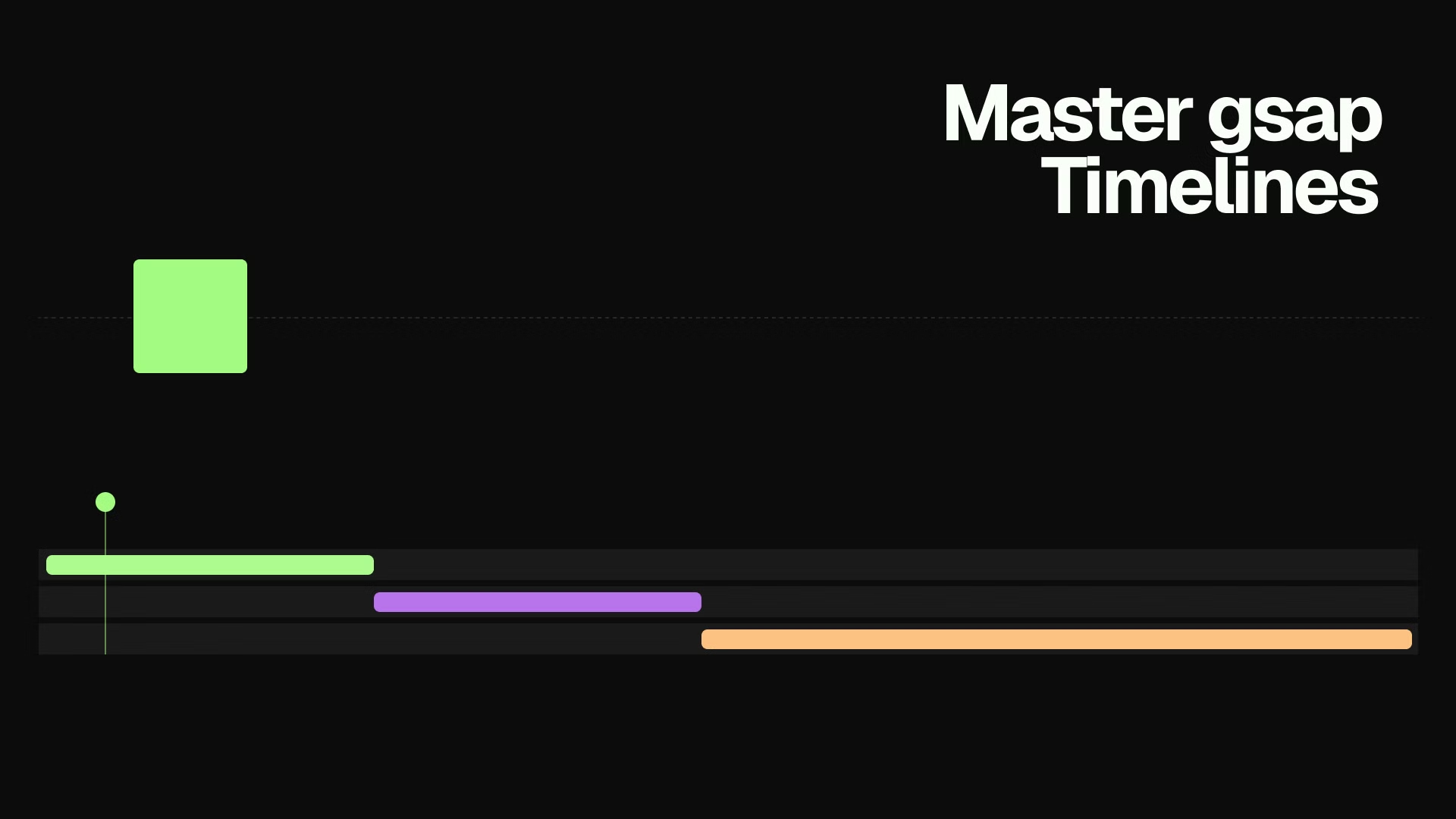
GSAP Timeline Tutorial: Sequence Animations Like a Pro (2026)
Learn how to use gsap.timeline() to sequence animations with precision. Covers the position parameter, defaults, labels, playback control, and real-world examples.